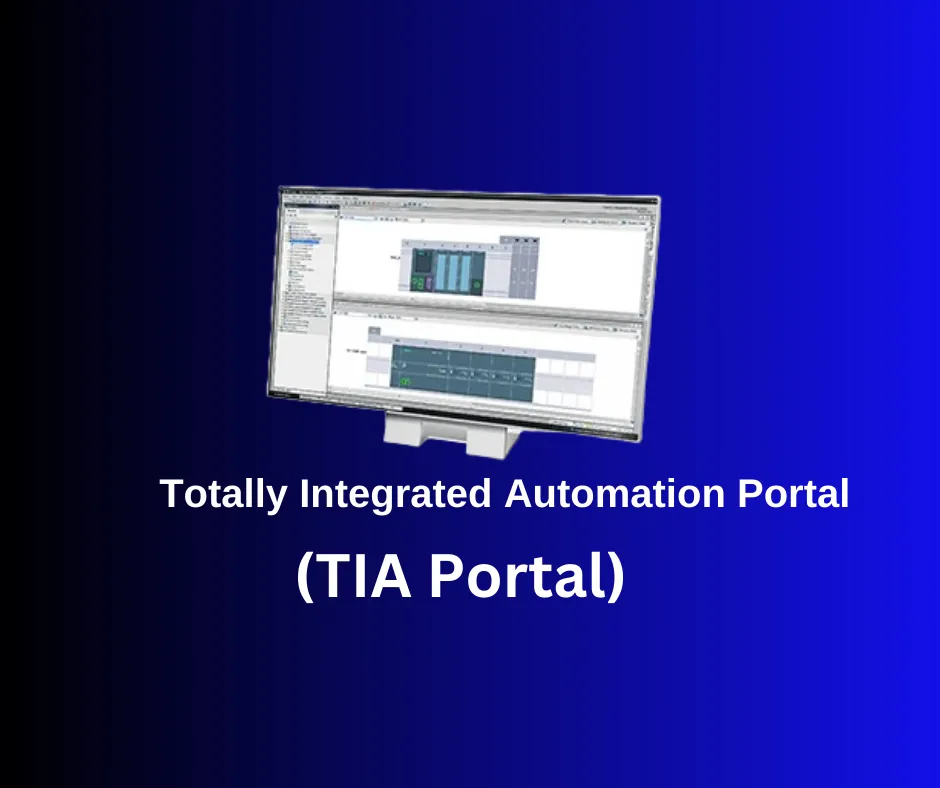
TIA Portal – A single portal for complete automation
Totally Integrated Automation Portal (TIA Portal) is an integrated environment for programming, configuring and managing automation systems, created by Siemens. TIA Portal isn't just software but Siemens' complete philosophy of integrating every aspect of automation into a single platform. This means engineers can create, configure and manage their automation projects without switching between many different software tools.
Main advantages of TIA Portal:
- A single interface: All tasks – from programming PLCs to configuring HMIs and networks – are carried out in the same environment. This significantly reduces training time and makes work easier.
- High efficiency: TIA Portal offers many tools for automating and optimizing processes, leading to faster and more efficient project development.
- Better integration: Thanks to the full integration of its components, TIA Portal provides better compatibility and easier communication between the different devices in the automation system.
- Greater flexibility: TIA Portal supports a wide range of hardware and software components, making it suitable for different applications and industries.
- Easier maintenance: The centralized database and online diagnostics make maintenance and troubleshooting easier.
Key components of TIA Portal
- SIMATIC STEP 7: Used to program PLCs.
- SIMATIC WinCC: Used to create HMI interfaces.
- SINAMICS Startdrive: For configuring frequency converters.
- SIMOTION SCOUT TIA: For applications requiring precise motion control.
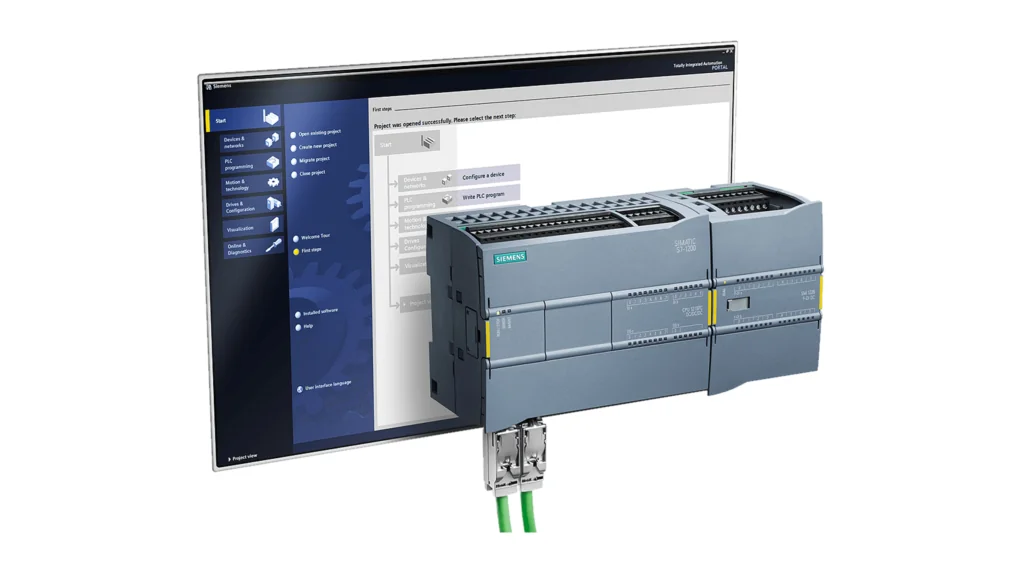
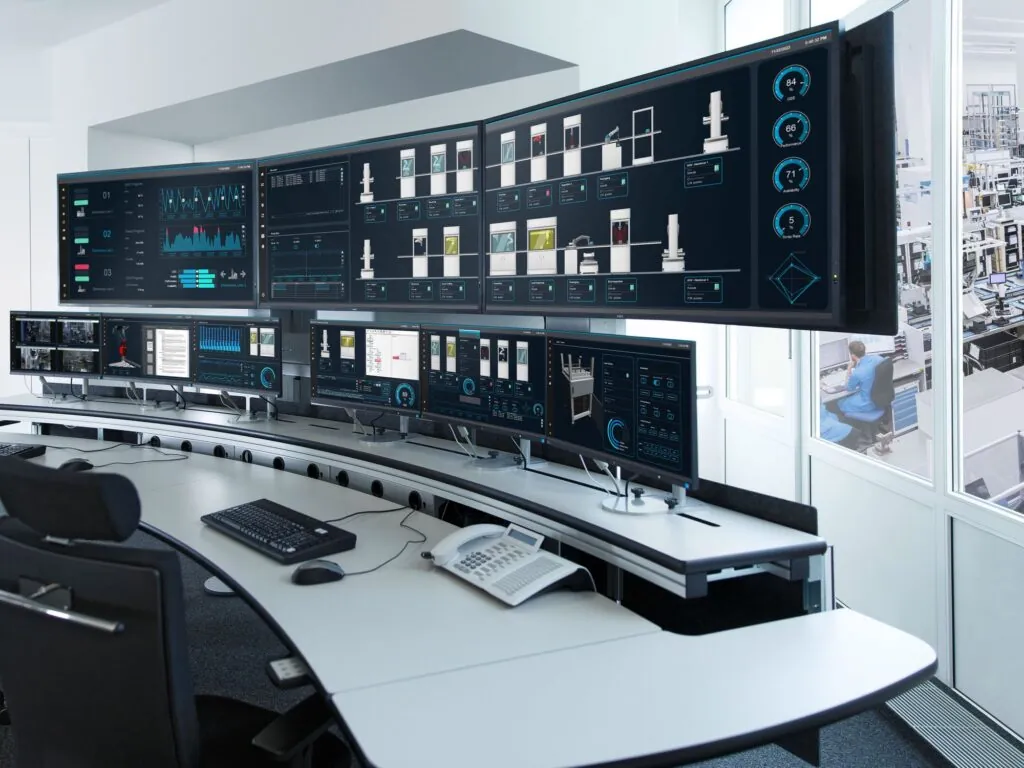
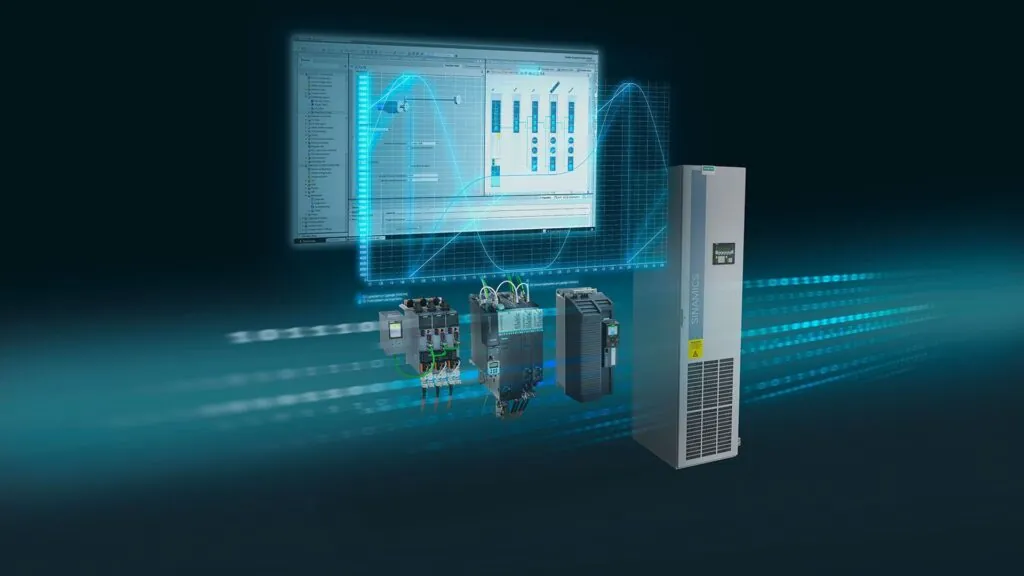
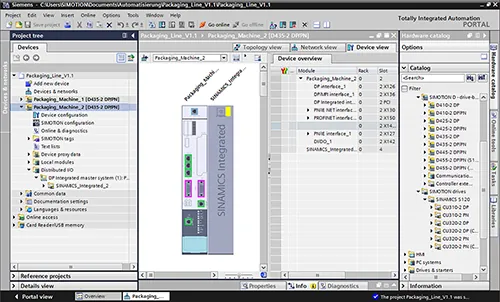
Main components of TIA Portal
PLC (Programmable Logic Controller):
- Programming and configuring Siemens controllers (e.g. S7-1200, S7-1500).
- Supports the IEC 61131-3 programming standards.
HMI (Human-Machine Interface):
- Designing interfaces for process control and visualization.
Network integration:
- Configuring industrial networks such as PROFINET and PROFIBUS.
Simulation and diagnostics:
- Built-in tools for testing programs and finding errors.
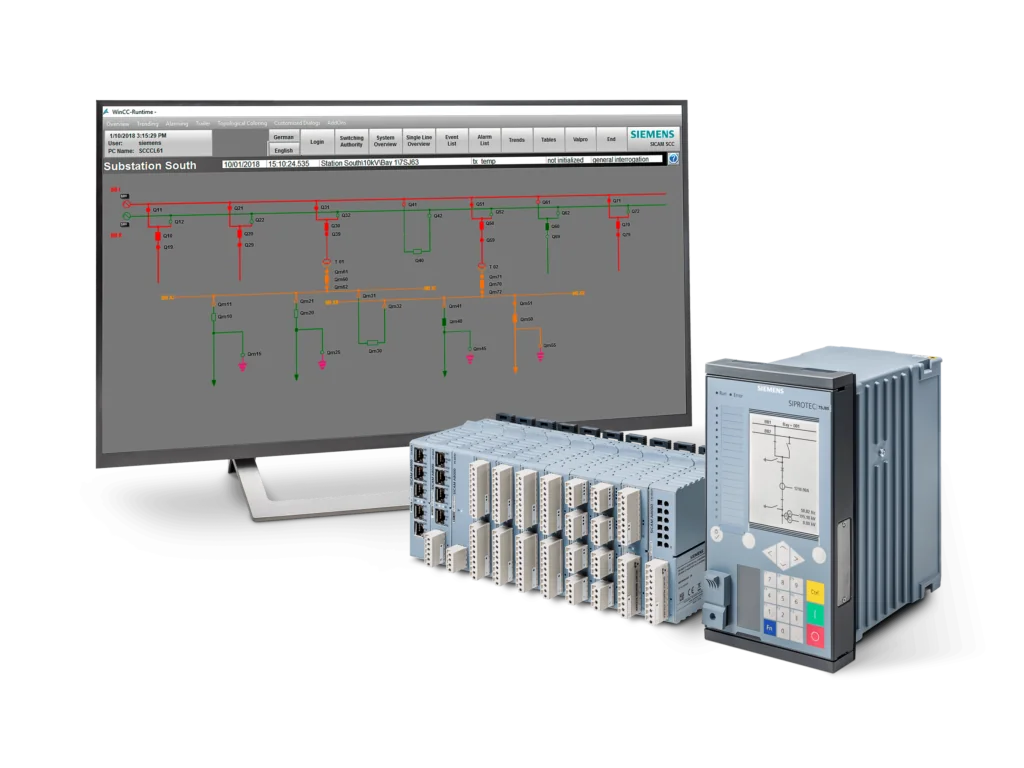
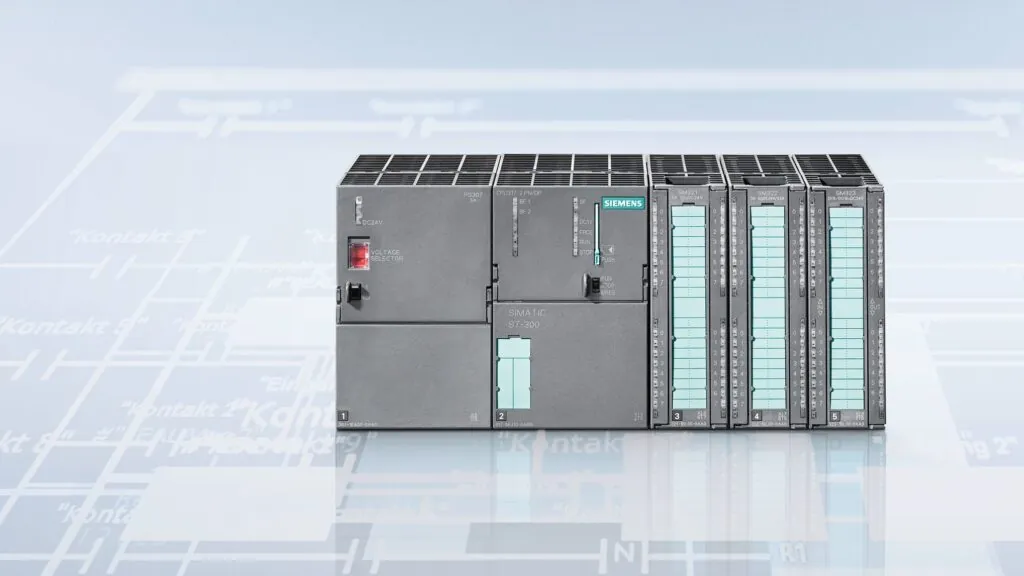
Installing TIA Portal
System requirements:
- Operating system: Windows 10/11 (64-bit).
- Processor: Intel Core i5 or higher.
- RAM: 8 GB (16 GB recommended).
- Disk space: At least 20 GB free.
Installation:
- Download the installation file from the official Siemens website.
- Start the installation and follow the on-screen instructions.
- Install the licenses using the Automation License Manager.
Getting started with TIA Portal
Creating a new project:
- Open TIA Portal.
- Select Create New Project.
- Enter a project name and storage location.
Adding devices:
- In Project View, select Add new device.
- Choose the PLC or HMI model you'll be using.
- Connect the devices to the network.
Programming the PLC:
- Go to the Program Blocks section.
- Create a new block (e.g. Main OB).
- Use the LAD (Ladder Logic), FBD (Function Block Diagram) or STL (Statement List) programming language.
- Add logic by dragging and dropping elements such as contacts, coils and timers.
Configuring the HMI:
- Open the HMI interface.
- Create visualization screens.
- Add buttons, charts and data indicators.
- Link the elements to PLC variables.
Simulating the project:
- Use PLC Simulation (PLCSIM) to test the program without real hardware.
- Simulate the HMI to check the visualization.
Uploading the program to the real hardware:
- Connect the PLC via Ethernet or USB.
- Select Download to device.
- Make sure the device is in “STOP” mode before uploading.

Useful features
Online Diagnostics:
- Monitoring the status of devices in real time.
- Diagnosing errors and warnings.
Libraries:
- Create and reuse libraries of frequently used functions.
Version Control:
- Managing project versions to track changes.
Security Settings:
- Setting passwords to protect programs.
Useful tips for beginners
Start with small projects:
- Practice with basic logic operations before moving on to complex processes.
Use simulations:
- PLCSIM is a great way to test your programs without real hardware.
Study the documentation:
- Siemens provides comprehensive documentation and examples.
Sign up for training:
- Siemens offers online and in-person courses on TIA Portal.
Make backups:
- Regularly back up your projects to prevent data loss.
With this guide you'll be able to take your first steps in TIA Portal and start developing automation systems. Good luck!
All images used in this article are taken from the official Siemens website and are used for informational purposes.
A free 21-day TIA Portal license can be downloaded here: https://www.siemens.com/global/en/products/automation/industry-software/automation-software/tia-portal/software/step7-tia-portal.html
On the Artec Robotics “News” page you will find a variety of articles and guides on robotics and automation. Here you'll find useful information about the latest technologies, software solutions and programs that will help you dive deeper into the world of industrial robots and automated systems.
Follow the news from Artec Robotics!
MAKE AN INQUIRY